
🎯 Use with purpose Connect only when needed, with the right authorization and target. | 🧠 Stay focused Pause before high-impact actions. Double-check every step. | ⏱️ Close promptly Open sessions create exposure. End them when the task ends. |
When you initiate a remote session, you are not just viewing a screen. You may be interacting with live customer systems,
enabling or disabling alarms, unlocking approved access points, or responding to real-time security events.
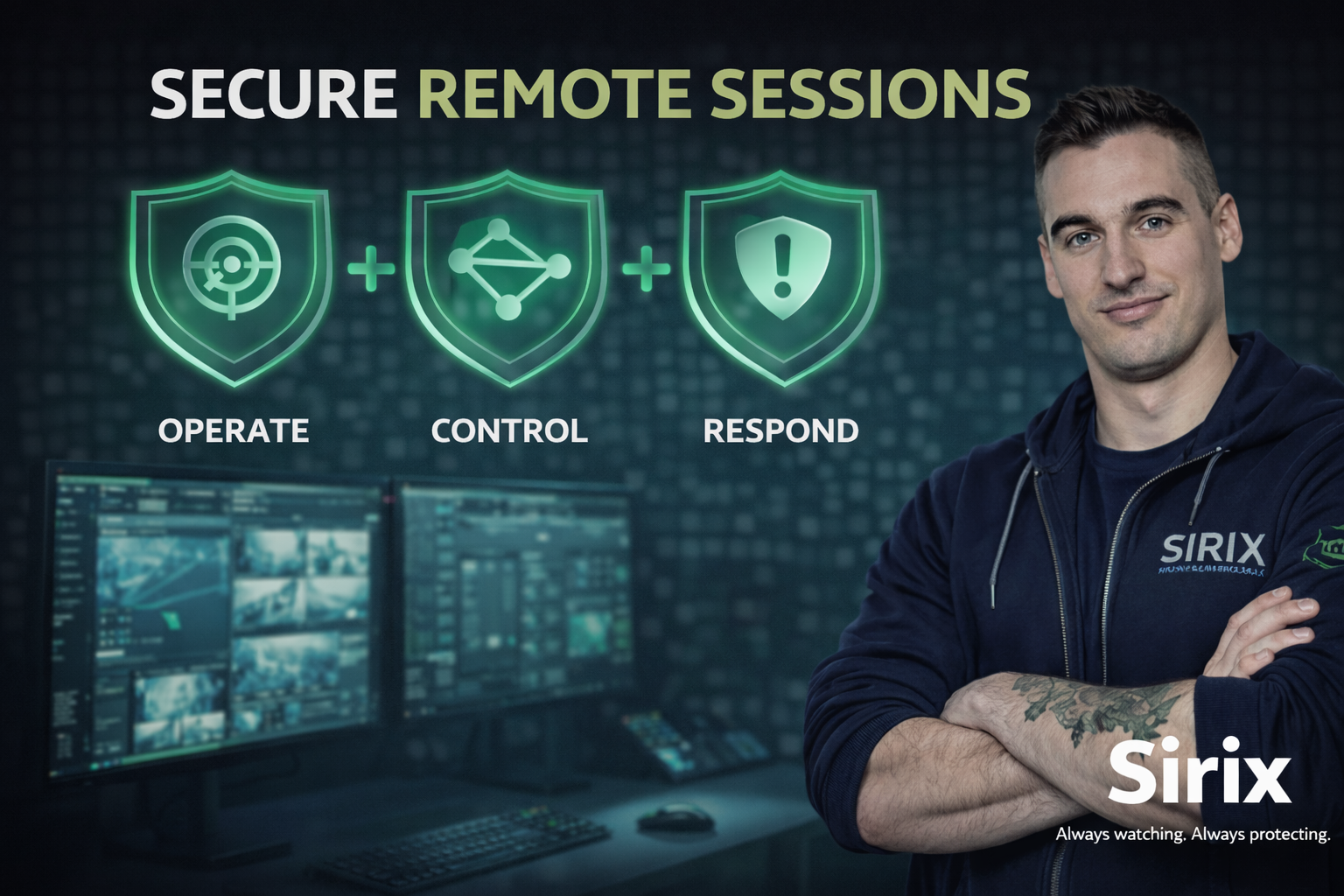
Remote sessions provide operational control — and that control must be exercised deliberately and responsibly.
- Confirm you are authorized to access the system.
- Verify the correct site or environment before connecting.
- Use the approved remote access method.
- Confirm the task or ticket (if applicable).
Connecting to the wrong environment — even accidentally — can create operational risk.
- Stay focused on the task at hand.
- Avoid unnecessary multitasking across multiple environments.
- Confirm before executing actions that affect security states.
- Double-check commands before applying changes.
Remote actions can have immediate consequences. Pause before executing high-impact actions.
- Open sessions only when actively needed.
- Close sessions immediately after the task is complete.
- Do not leave sessions open “just in case.”
Close when done
Unnecessary open sessions increase exposure and accountability risk.
- Never allow someone else to use your active session.
- Never leave remote control unattended.
- Use remote tools only within your assigned role and purpose.
- Do not perform actions without proper verification.
Session activity may be logged and traceable to your account.
If you notice unexpected system behavior, unusual responses, access outside your scope, or actions you did not initiate:
- Pause the session.
- Document what you observed.
- Report it through the approved channel.
Do not attempt to investigate independently. Prompt reporting reduces risk and supports incident response.
Remote session activity may be monitored to support access control enforcement, incident investigation, operational integrity,
and regulatory or contractual obligations. Each session represents accountable access tied to your individual role.
Using remote sessions responsibly protects customers, facilities, and the organization.
Remote sessions are powerful operational tools. Use them intentionally, stay focused while connected, and close them promptly.
Every connection carries responsibility.
If something feels off, slow down — then verify or report.
Always watching. Always protecting.