
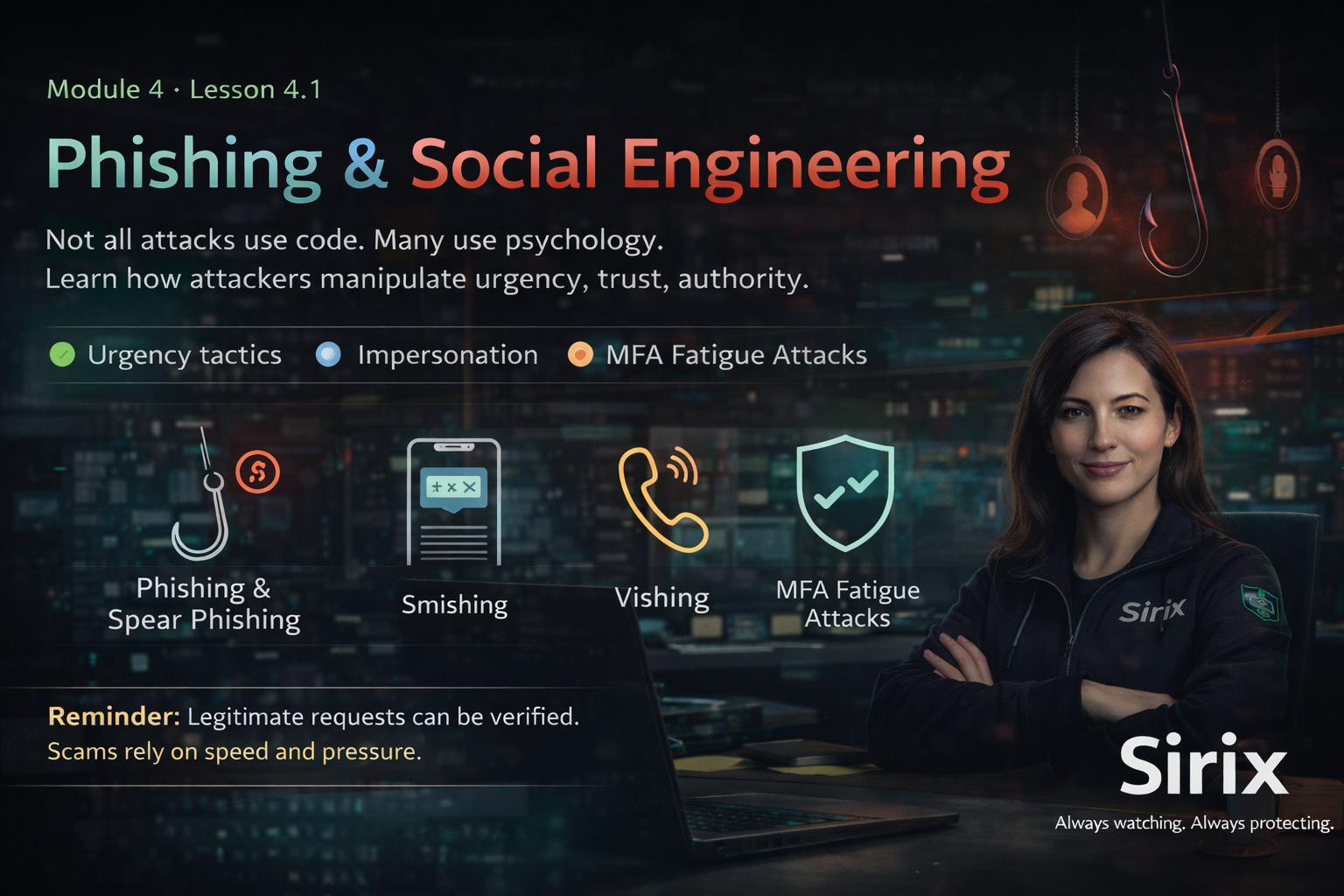
Phishing is a fraudulent attempt to trick you into revealing sensitive information or taking unsafe action — usually through email, text, or messaging platforms.
Attackers often impersonate trusted sources to create urgency, fear, or pressure — so you act before thinking.
Social engineering is manipulation. Instead of hacking systems, attackers exploit human behavior.
- Impersonating leadership, IT, or a vendor
- Creating false urgency (“Do this now”)
- Requesting confidential data, access, or verification codes
- Pressuring you to bypass procedures
- Phishing: broad messages designed to steal credentials or trigger unsafe action.
- Spear-phishing: targeted attacks aimed at a specific person/role using real details to look believable.
- Smishing: phishing via SMS/text (“Your account is locked — click here”).
- Vishing: voice phishing — calls pretending to be IT/leadership/vendors asking for access or codes.
- MFA fatigue: repeated MFA prompts hoping you approve one out of frustration or distraction.
- Unexpected login or MFA prompts (especially repeated prompts)
- Requests for credentials, verification codes, or sensitive data
- Pressure to act fast (“urgent,” “final warning,” “do this now”)
- Suspicious links or unexpected attachments
- Email address/domain slightly different from official ones
- Requests to bypass normal approval/verification steps
We detected suspicious activity on your Sirix account.
Your access will be suspended within 30 minutes unless you verify immediately.
Verify Account Now
Failure to comply may result in permanent lockout.
— IT Support Team
- Urgency + threat of suspension
- Generic greeting (“Dear User”)
- Altered domain (sirix-security.co)
- Pushes you to click instead of verifying
- Pause. Don’t click links or open attachments.
- Verify. Confirm the request through an approved channel (not by replying to the message).
- Report. Send it through the approved reporting process right away.
Reporting quickly helps protect everyone — even if it turns out to be a false alarm.
The tone is pressured and slightly unusual.
Phishing attacks target people, not just systems. If something feels urgent, unusual, or off —slow down and verify before acting. When in doubt: Pause. Verify. Report.
When in doubt: Pause. Verify. Report.
Always watching. Always protecting.