
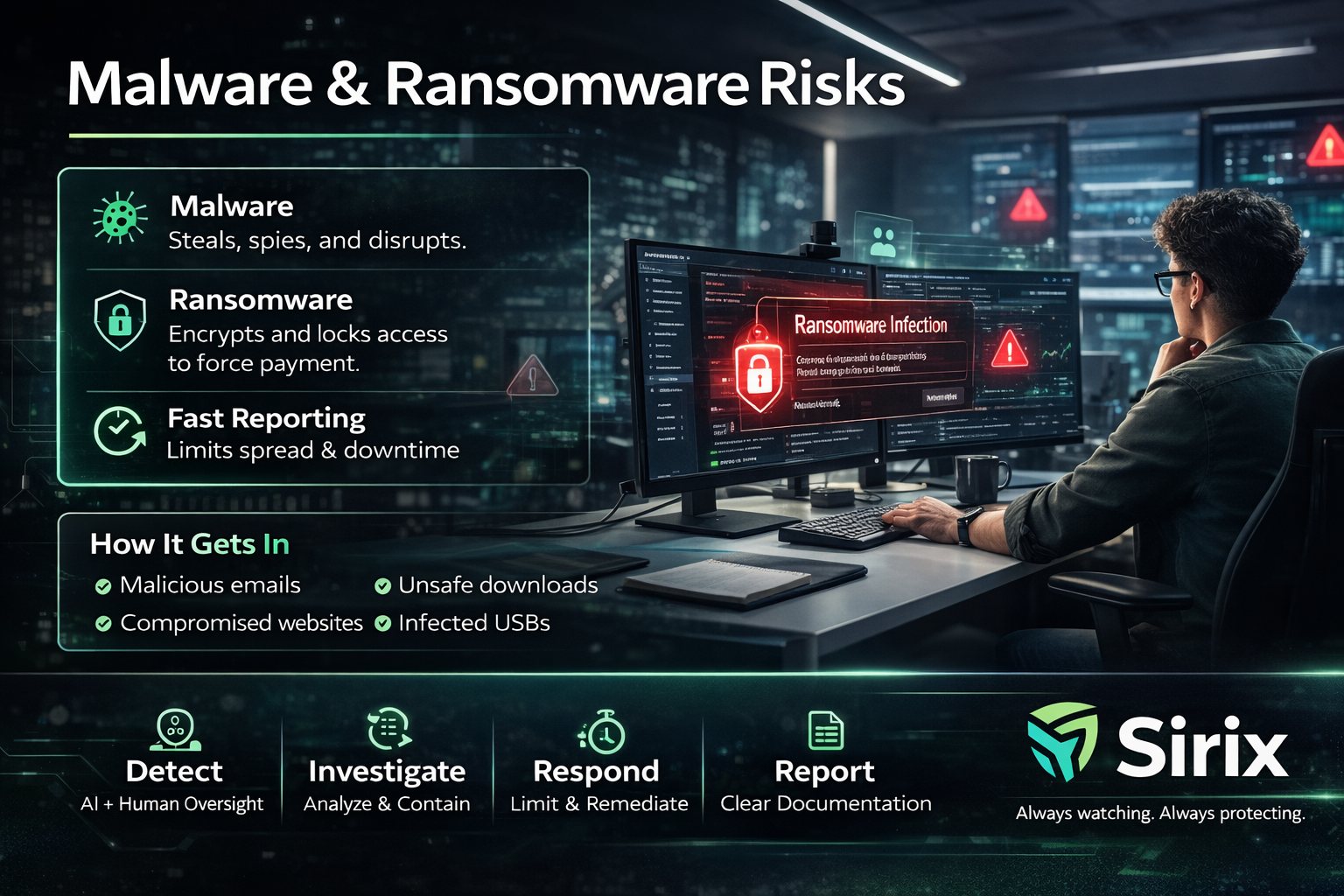
Malware is harmful software that can steal information, spy on activity, or disrupt systems.
Ransomware is malware that encrypts files/systems and demands payment.
If something looks suspicious, stop and report immediately. Early reporting reduces spread and recovery time.
🦠 Malware Steals, spies, disrupts, or creates hidden access. | 🔒 Ransomware Encrypts and locks access to force payment and pressure. | 🚨 Fast reporting Helps contain spread and reduces downtime. |
🦠 Malware Steal • Spy • Disrupt What it does Steals data, spies on activity, disrupts systems, or creates hidden access. Common signs
Response: Stop and report. Don’t troubleshoot beyond approved steps. | 🔒 Ransomware Encrypt • Lock • Pressure What it does Encrypts files/systems and demands payment. May also threaten to leak data. Common signs
Response: Report immediately. Rapid containment reduces spread and recovery time. |
- Malicious attachments or links
- Unapproved software downloads
- Compromised websites
- Infected USB devices
- Credential theft followed by unauthorized access
If something creates urgency, slow down and verify before you click.
- Operational downtime can delay response and support
- Data exposure creates compliance and contractual risk
- Customer trust is hard to earn and easy to lose
You receive a vendor “invoice” email with a .zip attachment and urgent language.
B) USB infection
C) Physical break-in
You install a free “file converter” from an unknown site. Your device becomes slow and ads appear.
B) Secure company update
C) Correct MFA approval
You receive repeated MFA prompts you didn’t initiate. Later, you see unusual account activity.
B) Printer malfunction
C) Monitor brightness issue
Urgent messages with compressed attachments are a common malware delivery method.
Unknown “free tools” frequently bundle malware or adware. Use approved software only.
Repeated prompts you didn’t initiate can indicate an unauthorized access attempt.
Malware and ransomware can spread quickly. Safe habits reduce risk — and fast reporting reduces impact and recovery time.
If you suspect malware: Stop. Report. Follow IT/Security guidance.
Always watching. Always protecting.