
🎯
Why this matters
Sirix tools can impact real security operations. Using them outside approved purposes can create customer risk,
compliance issues, and incident response workload.
The rule is simple: Only use what you’re authorized to use, for approved business reasons.
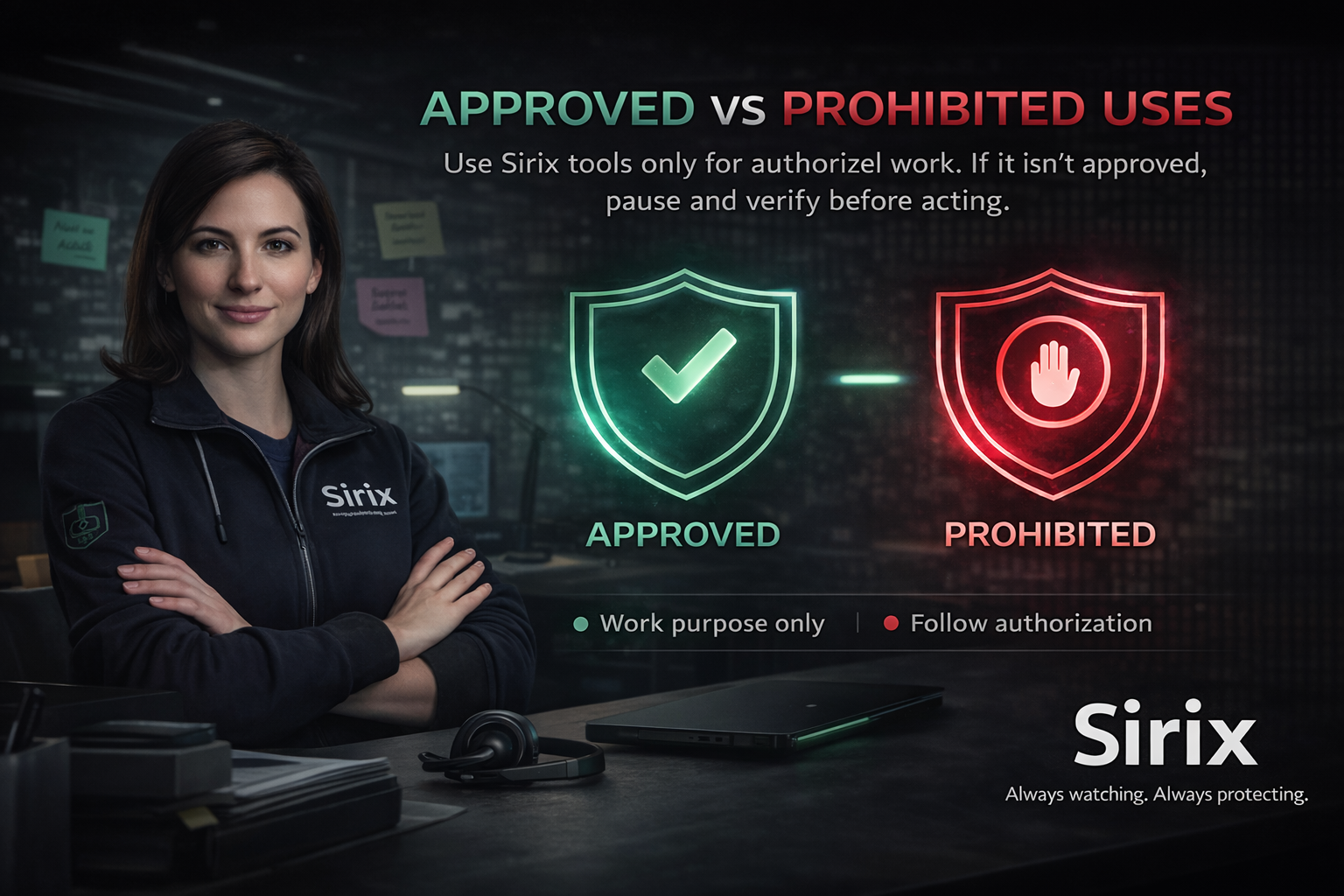
🧾 Approved Authorized task, correct site, correct method, documented when required. | 🚫 Prohibited Curiosity access, convenience shortcuts, or actions outside role/authorization. | 🛑 If unsure Pause, verify authorization, then proceed or escalate. |
✅ Approved uses
Approved use = clear business purpose + authorization + correct process. | ⛔ Prohibited uses
Prohibited use = unclear purpose, missing authorization, or wrong method. |
🛑
The 10-second “Pause Check”
- Purpose: Do I have a clear business reason?
- Permission: Am I authorized for this site/action?
- Process: Am I using the approved method and verification steps?
If any answer is “not sure,” pause and escalate to your lead or Security/IT.
💬
Quick scenario
A coworker asks you to “quickly unlock a door” for a site you don’t support because they’re busy.
Correct response: Don’t do it. Confirm the site owner/authorized responder and follow the approved request/verification process.
If needed, escalate to a lead.
If needed, escalate to a lead.
⭐
Key takeaway
Approved use is intentional and authorized. Prohibited use is curiosity, convenience, or bypassing controls.
When in doubt: pause, verify, escalate.
If something feels off, slow down — then verify or report.
Always watching. Always protecting.