
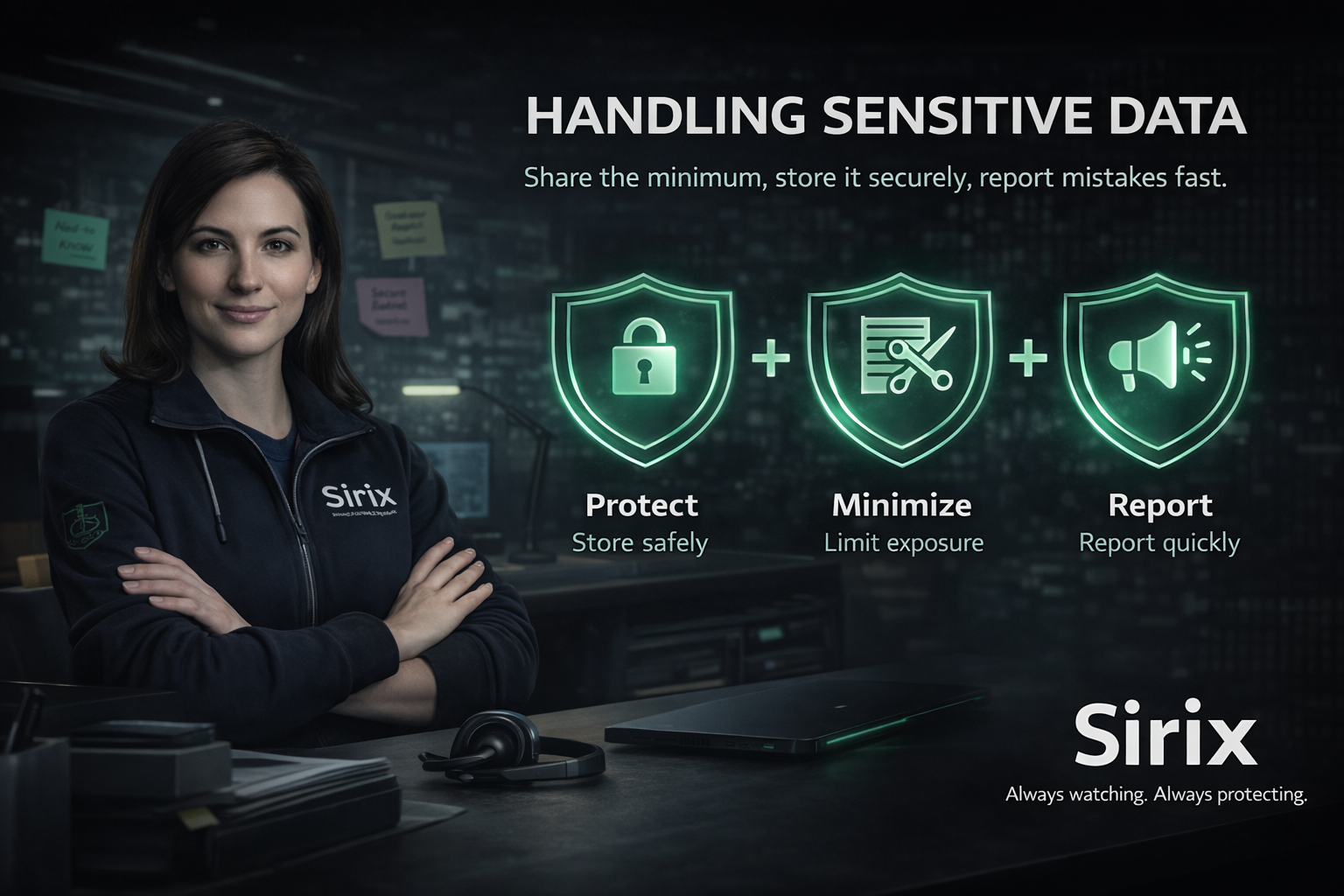
🔒 Protect Store and share data only through approved, secure tools. | ✂️ Minimize Use the minimum data needed. Mask/redact whenever possible. | 📣 Report If data goes to the wrong place, report immediately. |
Sensitive data is any information that could harm a customer, employee, or the company if it’s exposed, copied,
or accessed by the wrong person.
- Customer details: names, contact info, addresses, site schedules.
- Security information: alarm states, access procedures, site layouts, camera views.
- Credentials: passwords, MFA codes, recovery codes, API keys.
- Internal info: incident details, investigations, system configs, logs.
When in doubt, treat it as sensitive and ask your lead or Security/IT.
✅ Do
| ⛔ Don’t
|
Sensitive data may be protected by customer contracts, privacy requirements, and security policies.
Access and sharing may be monitored to support investigations, audit readiness, and customer trust.
- Access should be need-to-know and role-based.
- Data should be stored and transferred using approved tools.
- Unexpected exposure should be reported quickly for containment.
Good data handling protects customers, operations, and Sirix’s reputation.
The list includes site addresses and access notes.
What should you do?
- Use an approved system to share (ticket, secured drive, or the official platform).
- Share only what they need (minimum details required for the task).
- If you’re unsure, pause and confirm the correct process with your lead or Security/IT.
Speed is good — but not at the cost of exposing customer data.
Handle sensitive data with intention: use approved tools, share the minimum, verify before sending,
and report mistakes quickly. Protecting data protects customers, safety, and trust.
If something feels off, slow down — then verify or report.
Always watching. Always protecting.